What is KitchenOrderAid?
KitchenOrderAid is a local ordering system for restaurants, events
and clubs.
Orders are transmitted directly from service staff to the kitchen –
without internet, without cloud, without stress.
 Sender App (Service)
For waiters and service staff
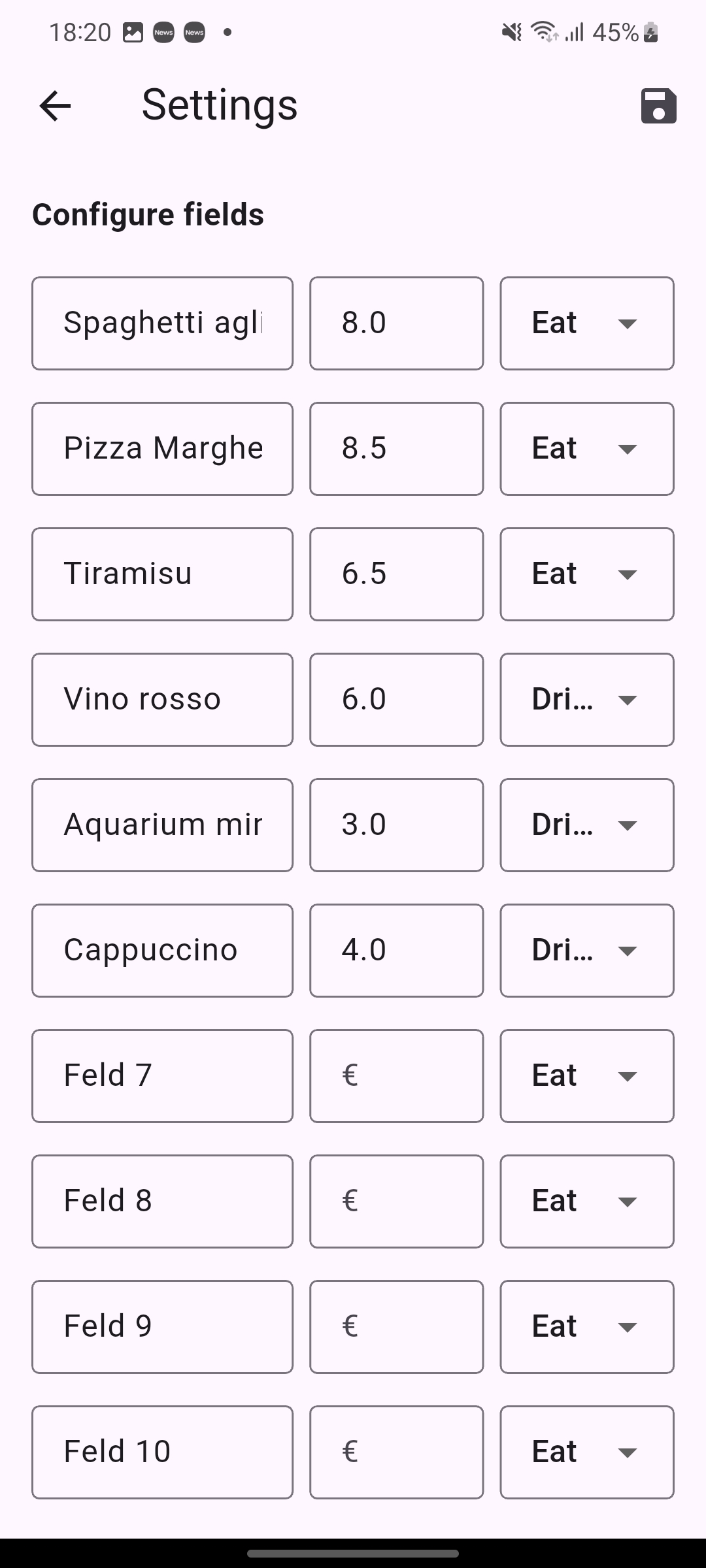
- Individually configurable items
- Fast quantity selection
- Clear and intuitive interface
- One click → send order
 Receiver App (Kitchen)
For kitchen, bar or counter
- Live incoming orders
- Acoustic signal for new orders
- Mark completed orders
- Total statistics of all items
How it works
1
Start the Service App (Sender) (e.g. smartphone at the counter, bar or at the guest’s table)
2
Start the Kitchen App (Receiver) (e.g. tablet in the kitchen)
3
Connect the apps via local WiFi
4
Orders appear instantly in the kitchen
License / Costs
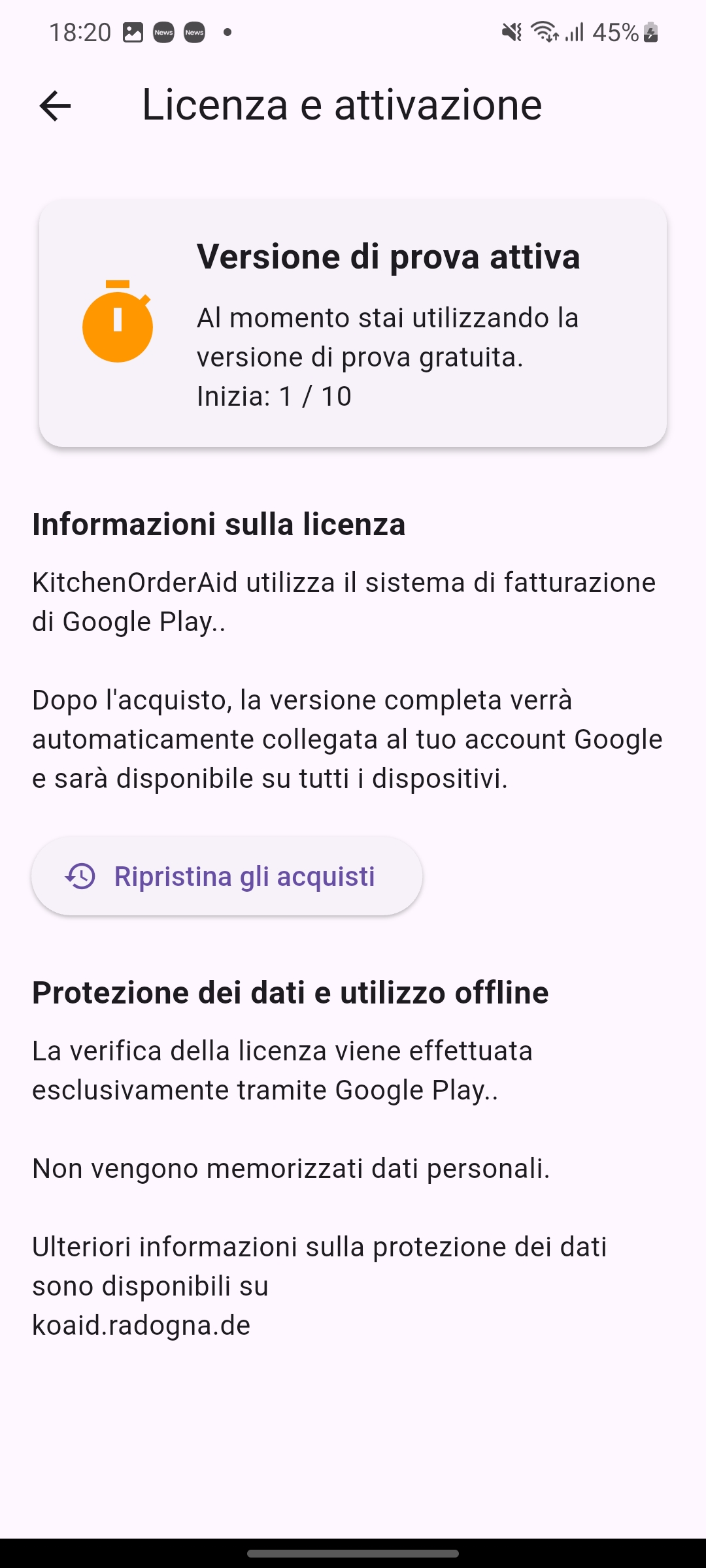
Licensing and payment are handled completely via the Google Play Store.
KitchenOrderAid_Sender can be started 9 times free of charge.
After that, a one-time payment of €25 applies.
KitchenOrderAid_Receiver is completely free.
The Service App / KitchenOrderAid_Sender
Recording the order
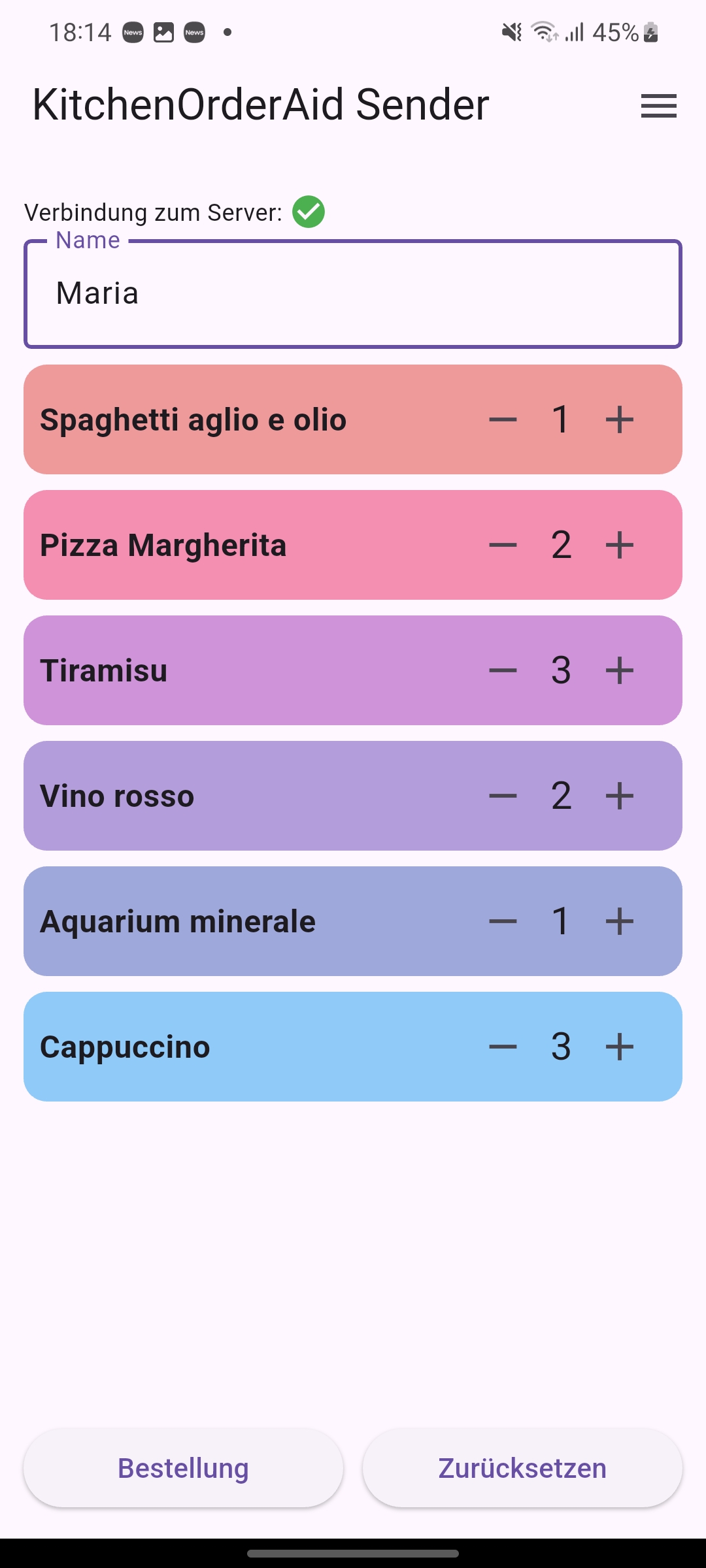
When taking an order, the guest’s name is entered and the number of dishes and drinks is selected.
Once everything is selected, tap 'Order' to view a summary.
The connection status to the KitchenOrderAid Receiver is displayed above the input fields.
The completed order
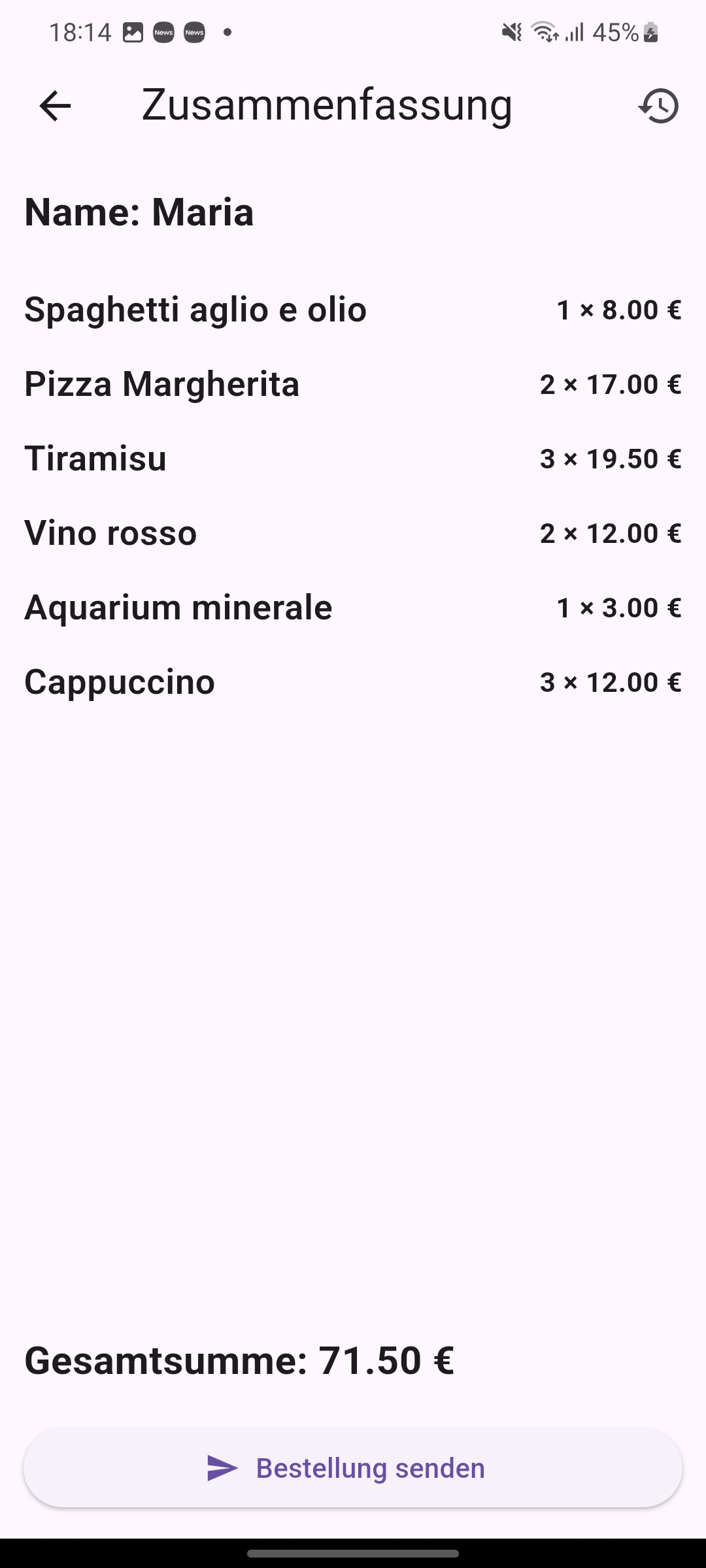
The summary shows the guest’s name, selected items with individual prices, subtotals and total amount.
If the order is correct, tap 'Send Order' to transmit it to the kitchen.
The order has been delivered to the kitchen
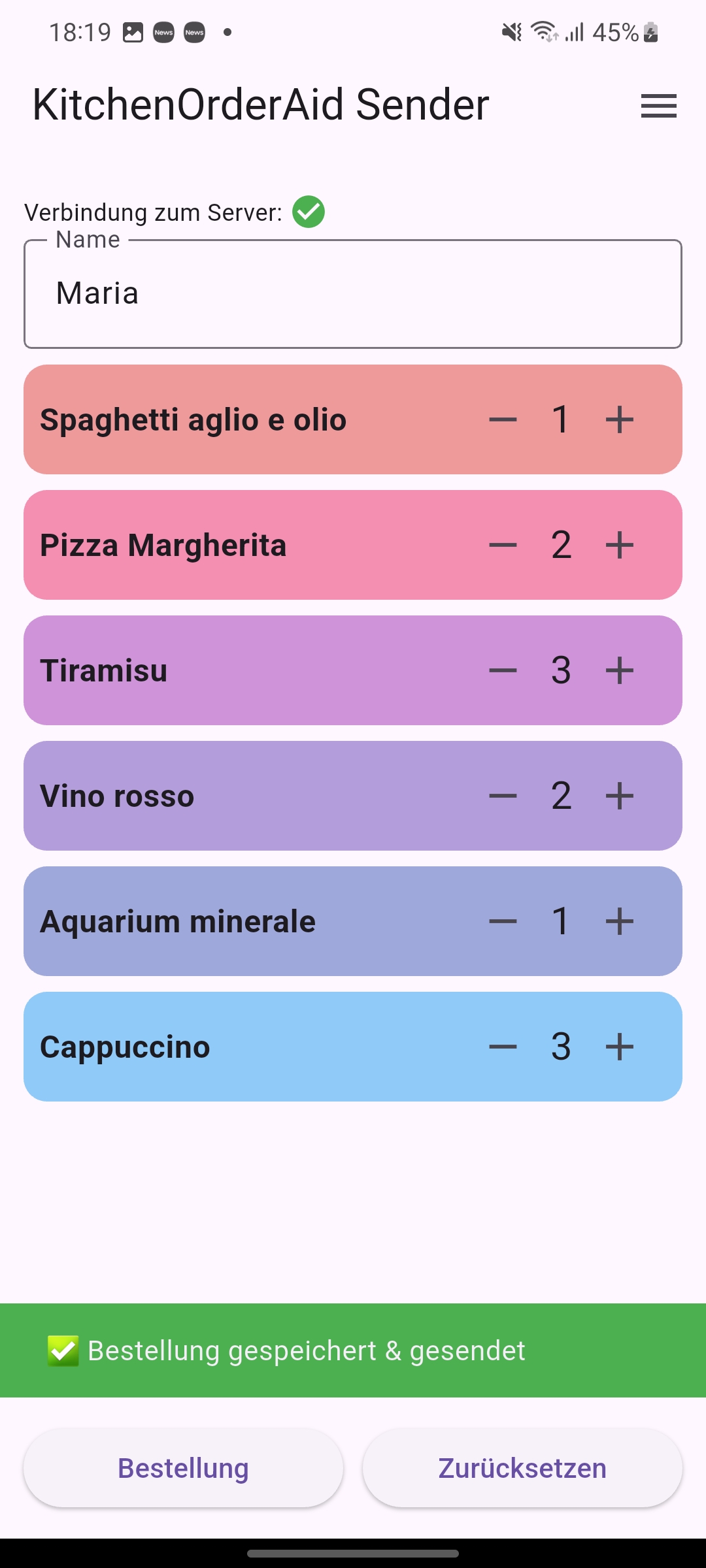
Successful transmission is shown in green and stored in the history.
The order failed to reach the kitchen
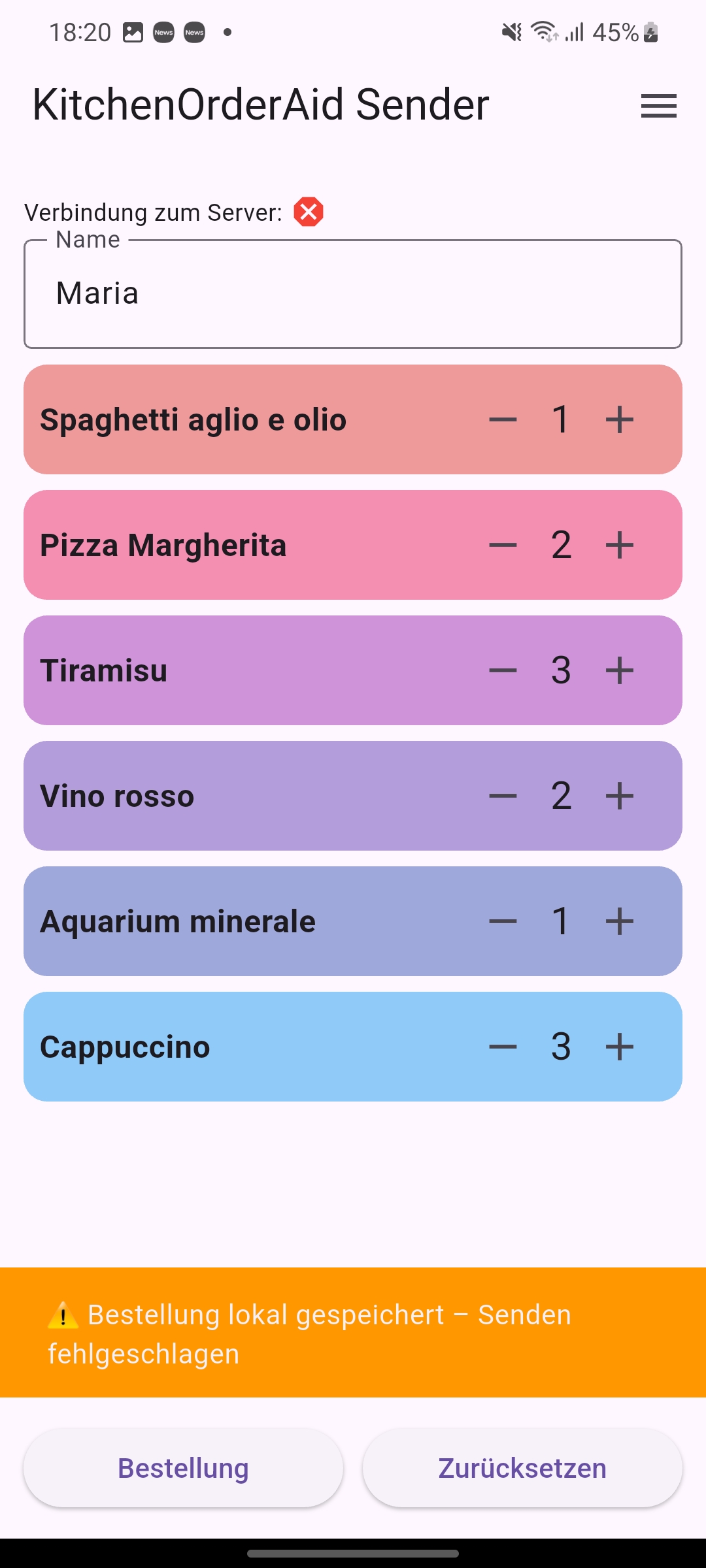
Failed transmission is shown in red and also stored in the history.
The interrupted connection to the KitchenOrderAid_Receiver is shown as the cause.
The Kitchen App / KitchenOrderAid_Receiver
The order has arrived in the kitchen
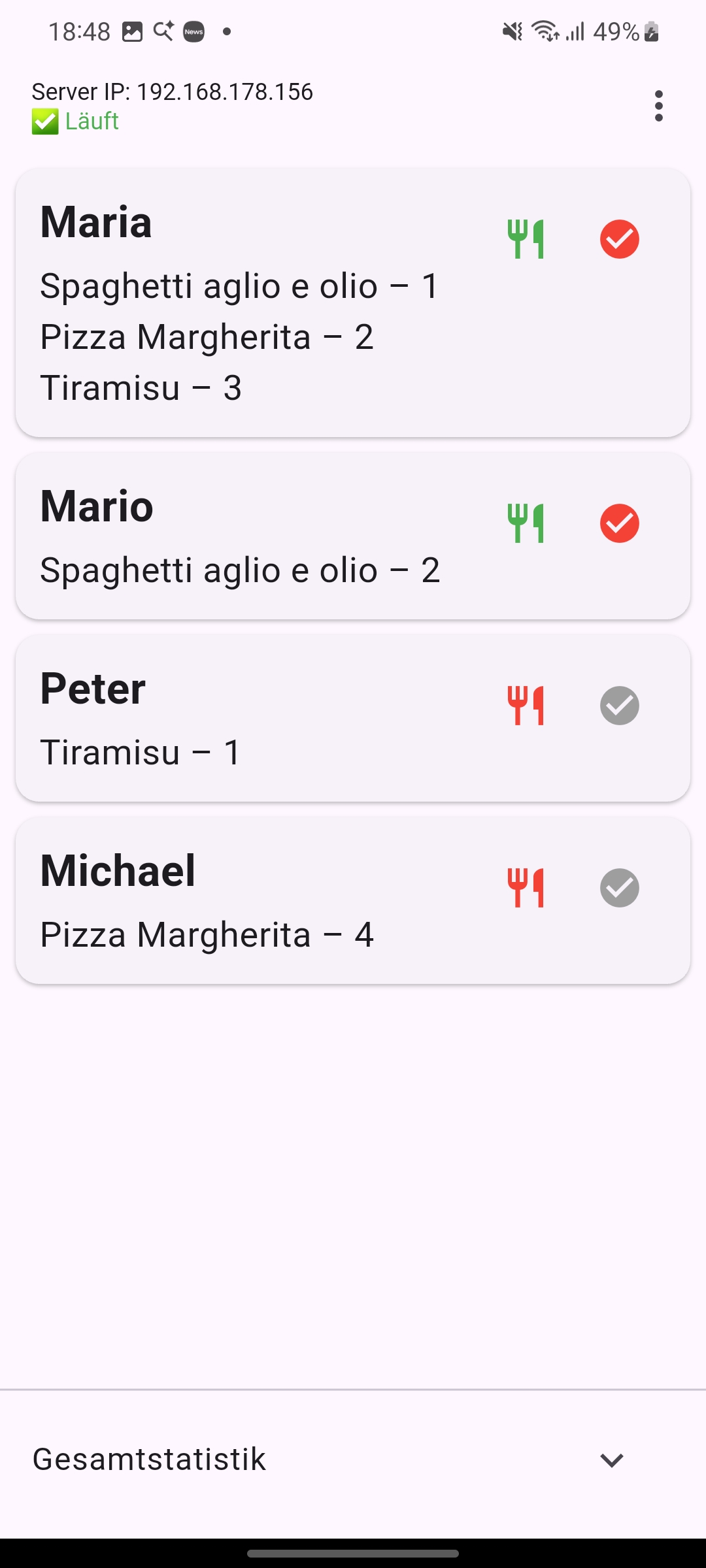
The order appears in a list with the oldest order at the top. The food icon on the left is initially red.
When the kitchen completes the order, tapping it turns the icon green. At the same time, the checkmark on the right changes from grey to red.
When the order is delivered, tapping the red checkmark removes it from the list.
The order has arrived in the kitchen
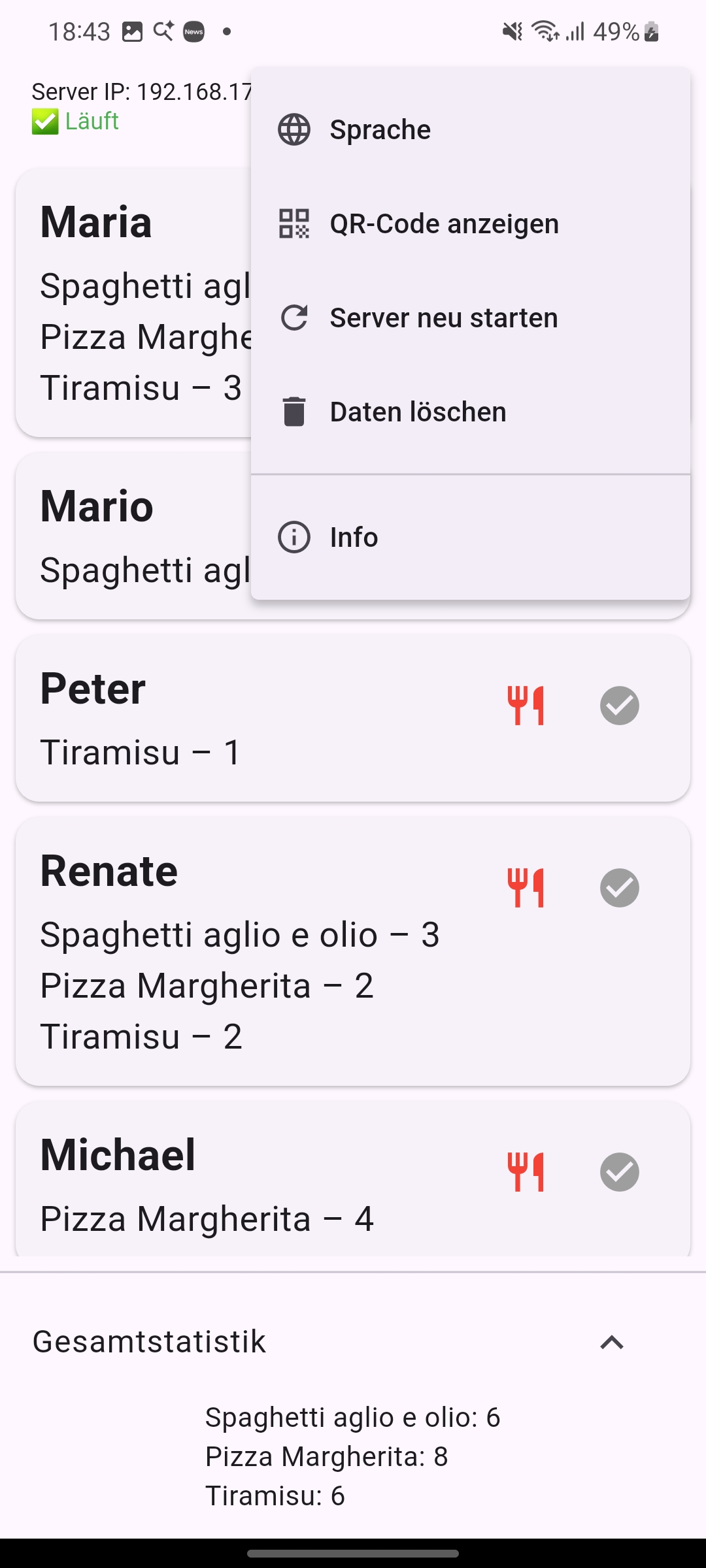
At the bottom, the total statistics of delivered meals can be displayed.
At the top, the IP address on which the kitchen app receives orders is shown.
The burger menu in the top right corner provides five options: language selection (German, English, Italian),
a QR code for easy IP transfer to the KOAID Sender and a restart option,
an option to reset the statistics data and information about the KOAID apps.
Info
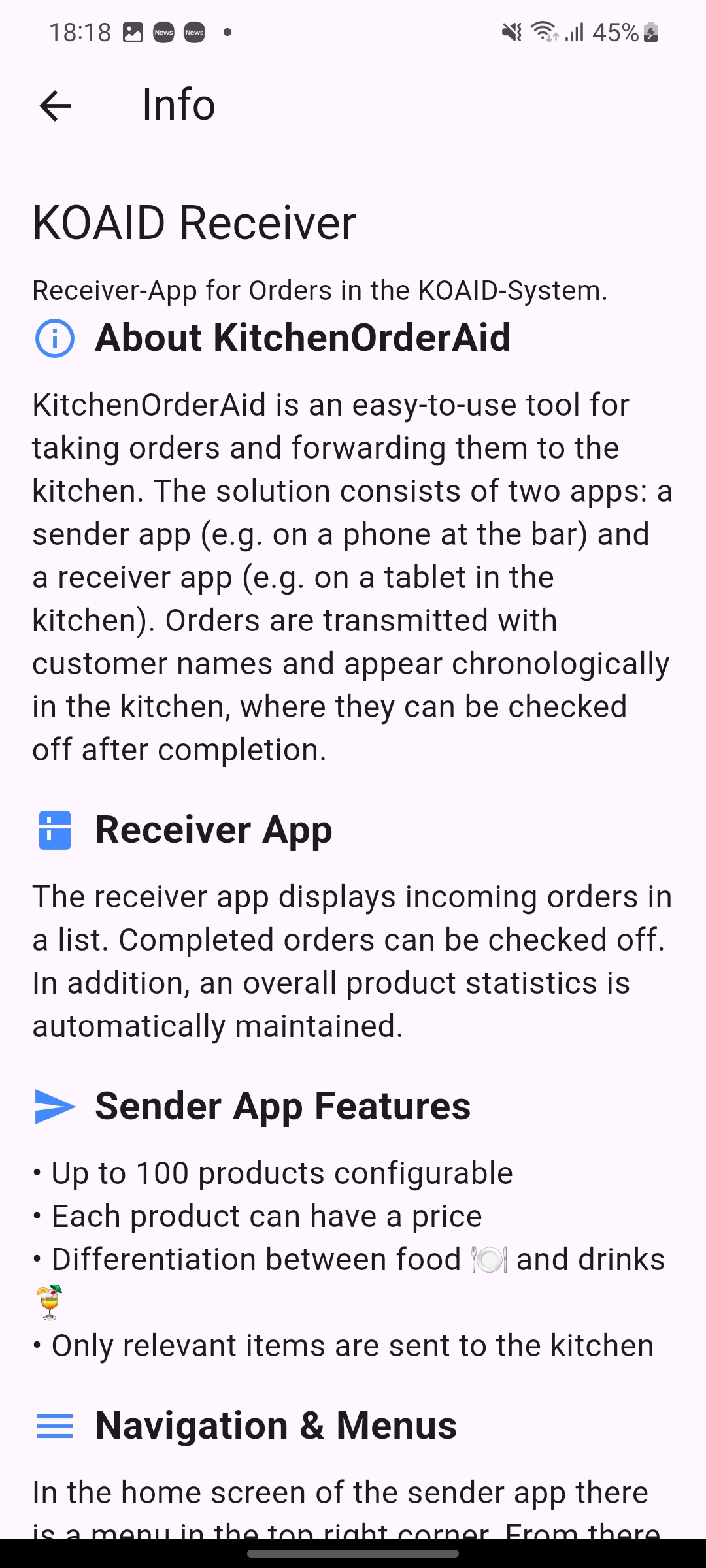
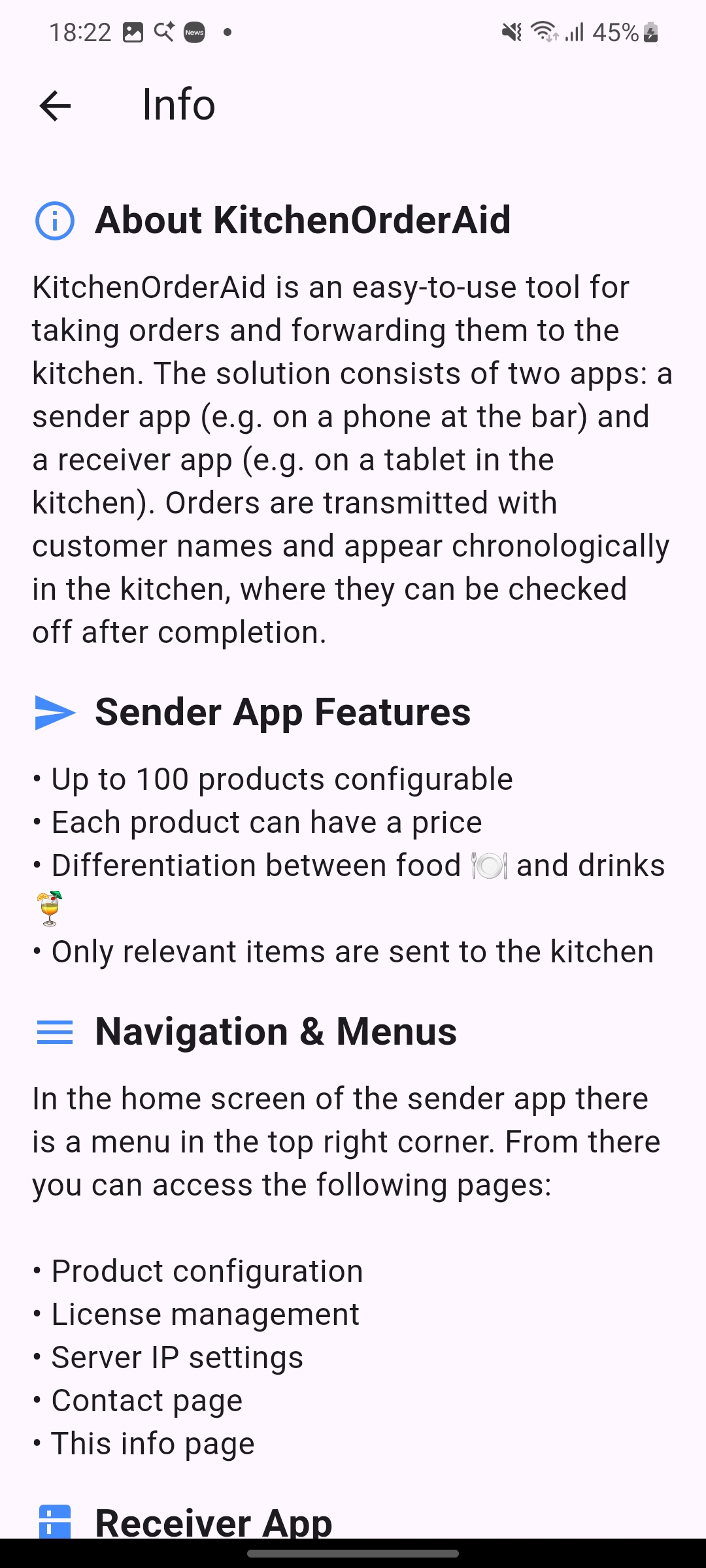
An information page provides detailed information about the KitchenOrderAid apps.
Barcode
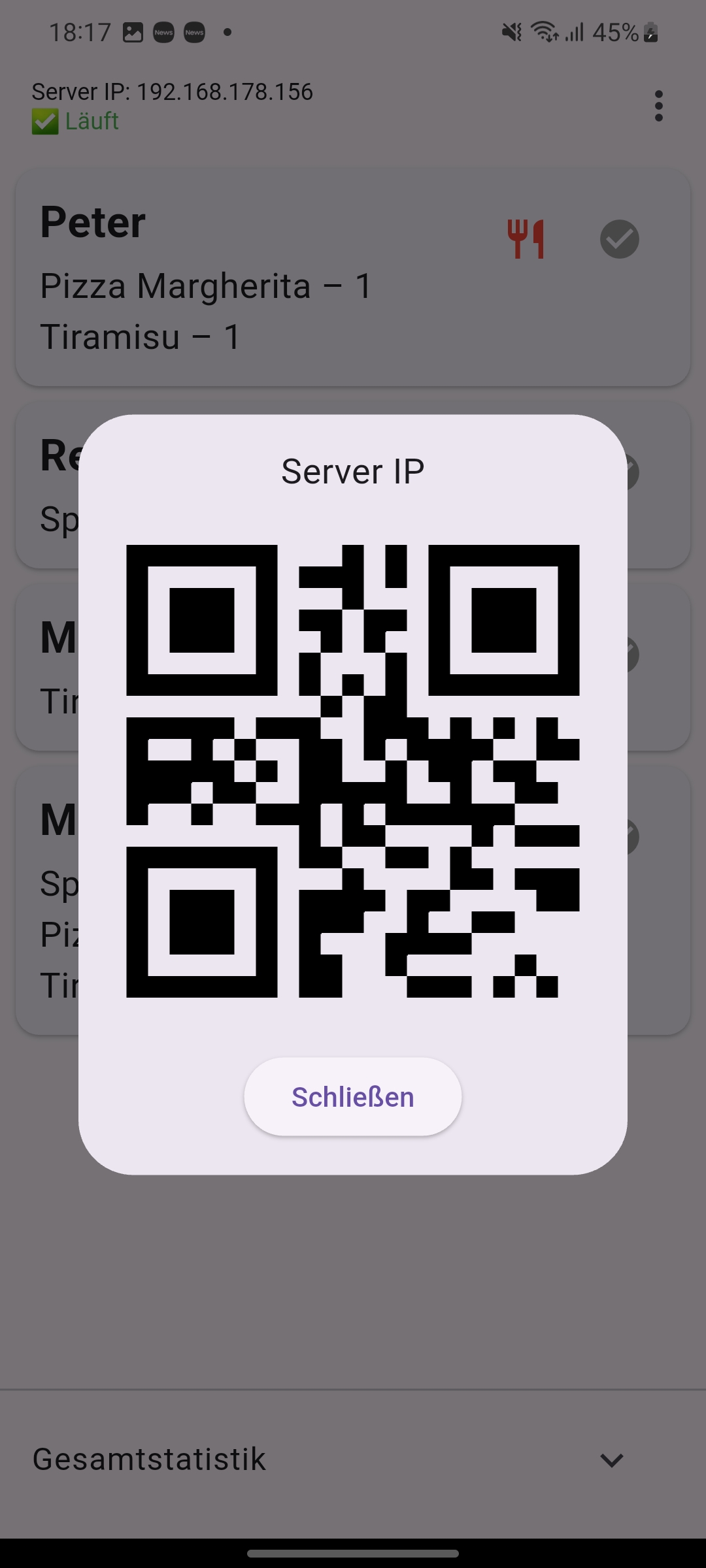
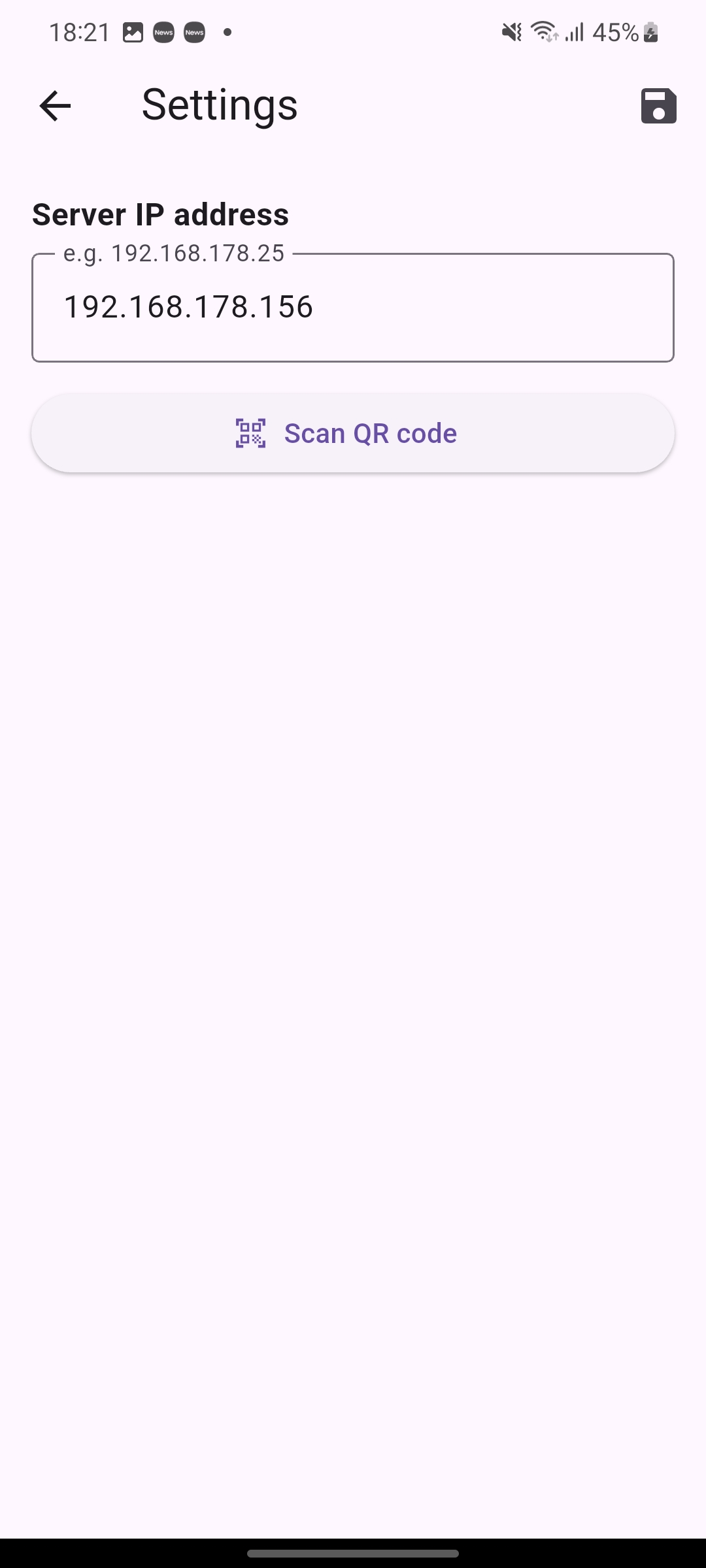
The address of the receiving kitchen app must be entered in the sending service app.
A QR code from the kitchen app can be scanned in the service app.
Configuration
The Menu
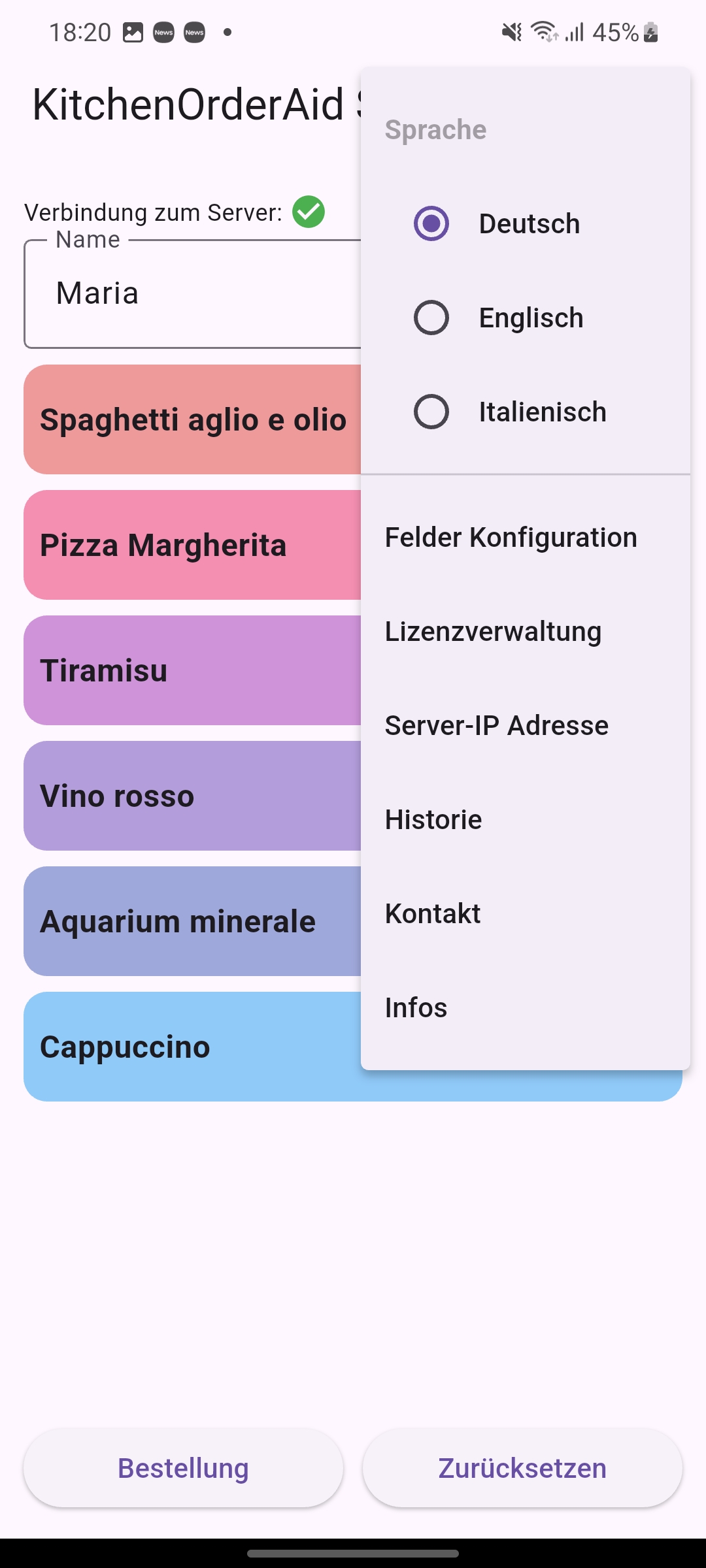
Food & Beverage Configuration
License Management
Information
Contact
Server Configuration
Weekly History
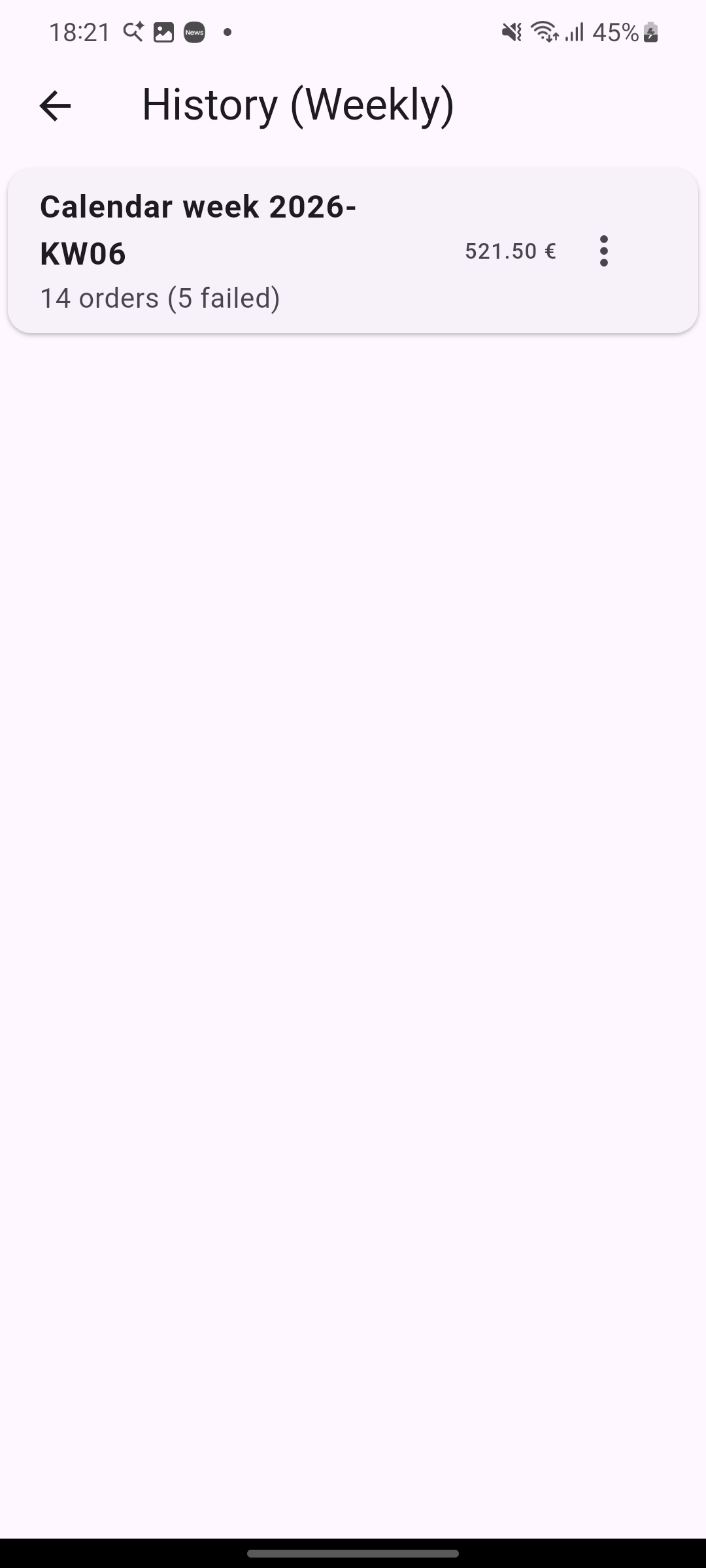
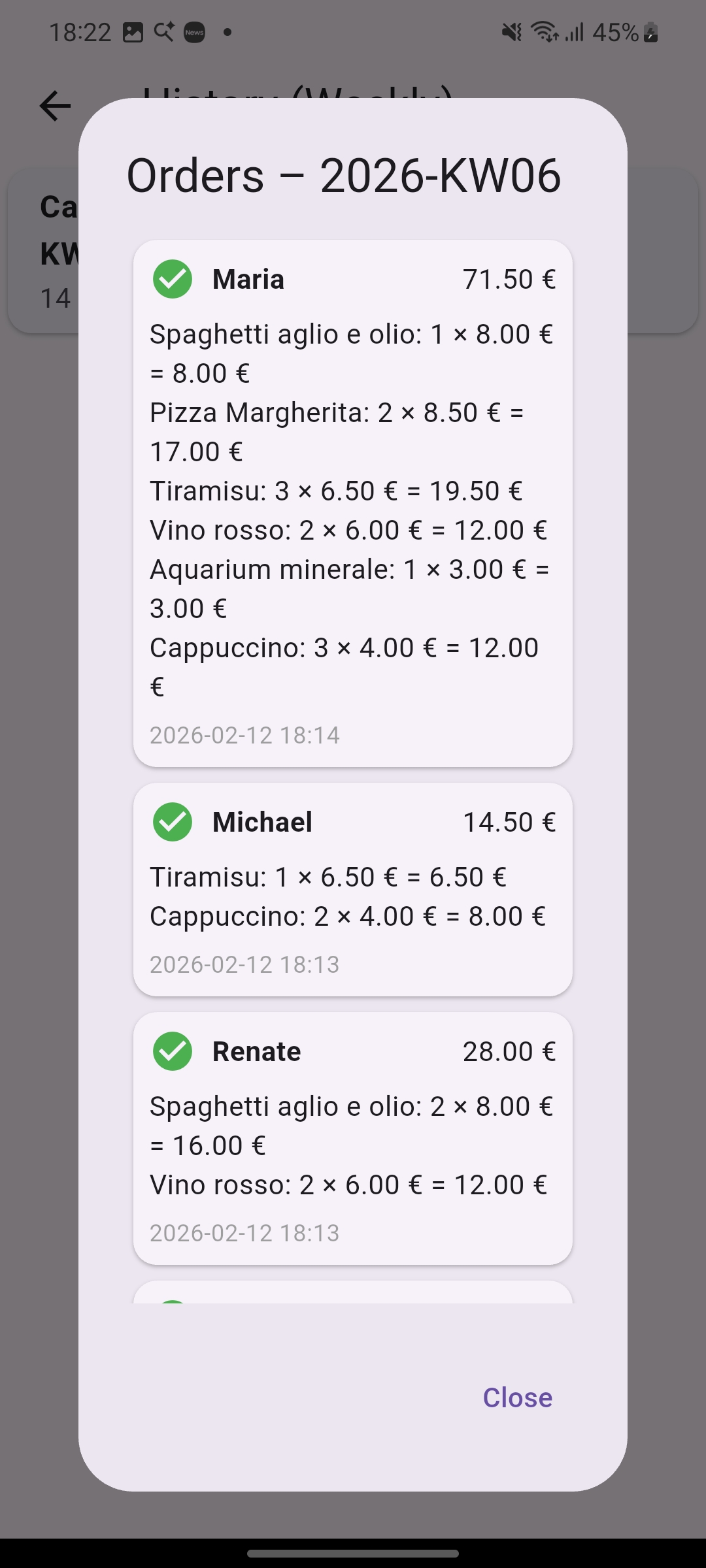
Detailed History